Convert a scanned PDF into editable PowerPoint slides
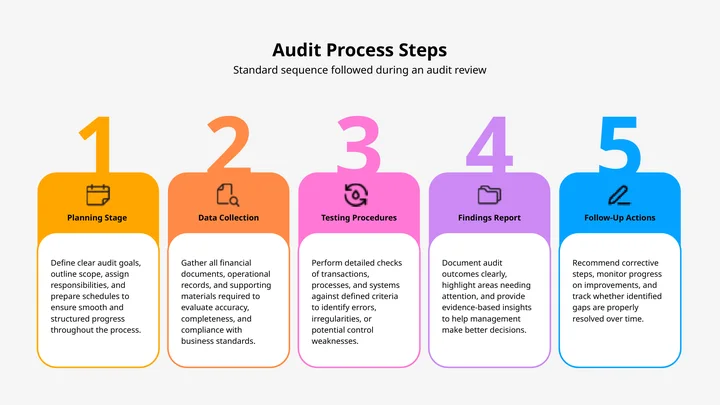
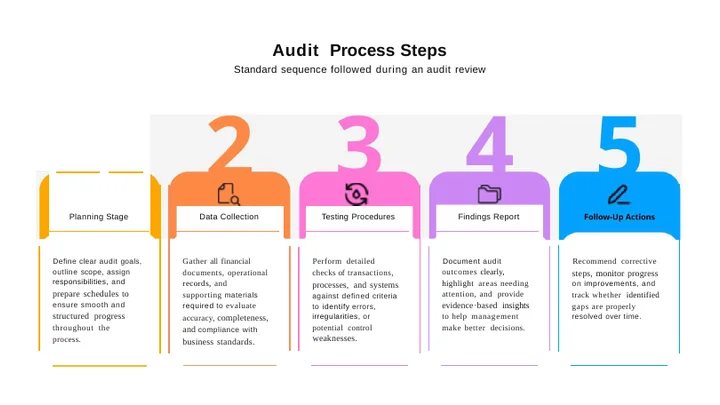
Upload a scanned PDF — text recognition runs on its own when there is no text layer.
Common questions
How do I know my PDF is a scan?
Open it and try to select a line of text. If nothing highlights, it is a picture of a page rather than a document, and it needs text recognition before anything can be rebuilt from it.
Do I need to turn OCR on?
No. Every PDF is checked first, and text recognition runs by itself when there is no text layer to read. A PDF that already has text in it skips OCR and keeps its layout instead.
Will the slide text be editable?
Yes. Recognition rebuilds the words as real PowerPoint text you can select, retype and restyle rather than pasting the scan onto a blank slide.
Does it recreate the original theme and animations?
No. What comes back is the content as ordinary editable slides. A scan carries no theme, no slide master and no animation, so none of that can be recovered — expect to apply your own styling afterwards.
How long can the PDF be?
Up to 10 MB per file. Documents longer than 20 pages are processed up to their first 20 pages — 100 on a paying account — and the result tells you when that limit was applied.
Why does it take longer than an ordinary conversion?
Because every page has to be read as an image before anything can be rebuilt. That is real work, and it is the reason a scan takes longer than a PDF that already has text in it.
How accurate is it?
A clean, straight, high-resolution scan of printed text converts very well. A faxed, skewed or low-resolution one will need checking — and handwriting should always be checked.
Do you watermark the result?
No. There is no watermark on a converted file at any account level.
Do I need an account?
No. Your first conversion runs without signing up.